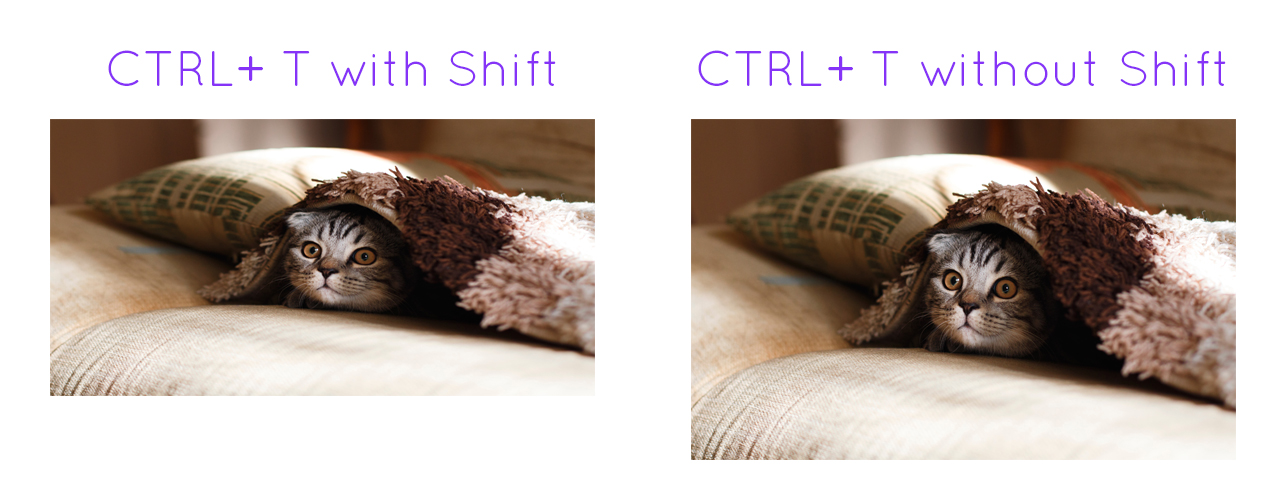
A graphic designer's nightmare, or maybe delight, is when a new software update comes out. This particular update comes for users of Adobe Photoshop Creative Cloud.
Creative Cloud Proportion Update for Graphic Designers
Adobe rolled out a new change for Photoshop CC's transformation tool. When resizing pre-Adobe change, you would need to hold Shift down to keep the image's proportions, and releasing shift would skew the proportions. This new change has completely reversed the function of the shift key for resizing images and text. Pressing the shift key now skews the image and not using shift keeps the image's proportions correct. This feature, however, seems to only apply to images and text, and not live shapes.
How do I feel about this new change? Personally, I feel that if the function of shift during transformation was to change, it should apply to all items that are being transformed. I still occasionally forget when and when not to hold shift when designing, but hope that in time it will come to me as easy as hotkeys.